Set Condition for Contacts Without a Tag 🏷️3
What’s New:
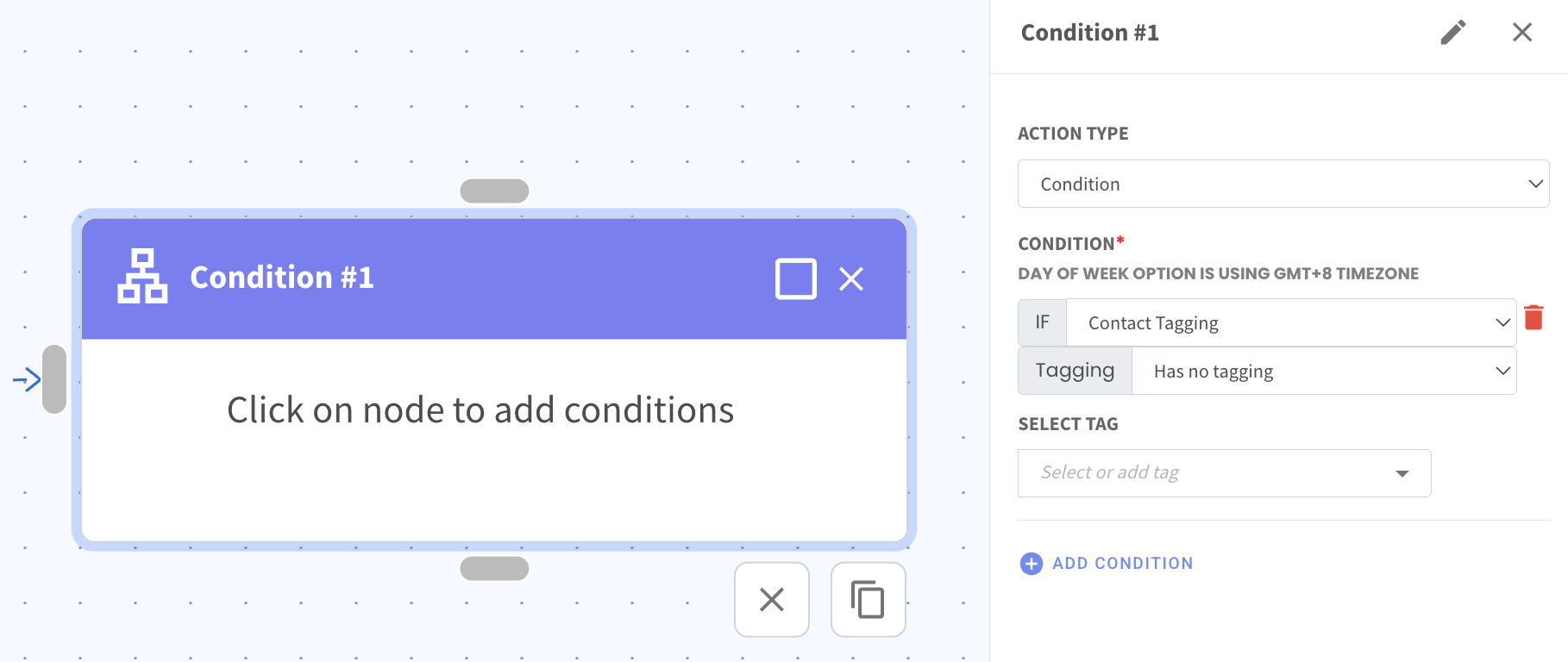
You can now set a condition in Flowbuilder to check if a contact does not have a specific tag. 🔍
This allows your flow to continue only when the selected tag is not present for the contact.
What it means to you:
You can avoid sending messages or actions to contacts who already have a certain tag. 🎯
This makes your flows more targeted and prevents duplicate or unnecessary actions.
How you can go about it:
In Flowbuilder, select the Condition action
Choose Contact Tagging
Select Has no tagging
Enter or select the tag name
Continue building your flow