Flexible Button Options for WA API Templates 📲
What's New:
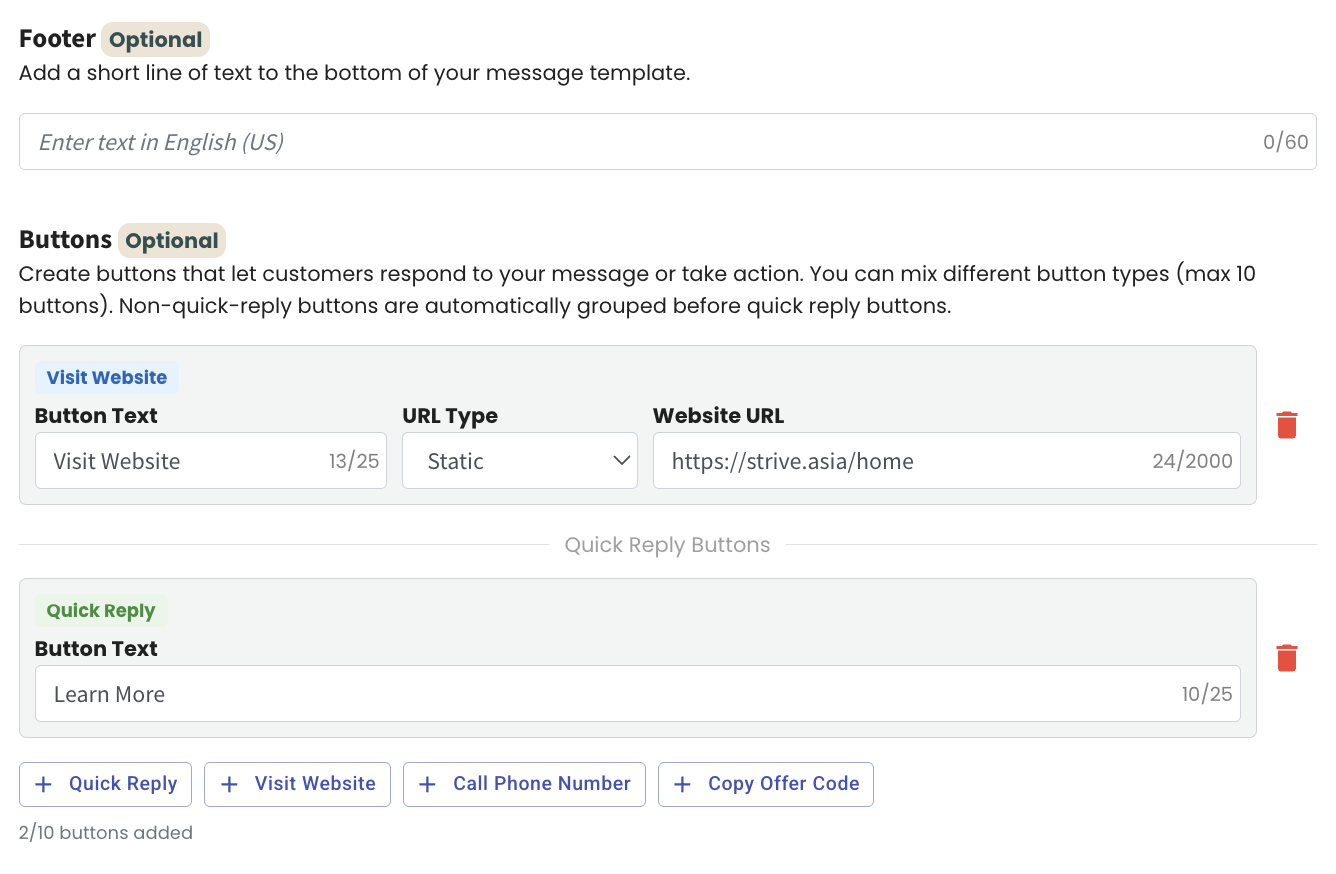
You can now set up different types of buttons in your WA API Template with more flexibility. When creating your template, you can select both Visit Website and Quick Reply buttons at the same time. This allows you to guide customers to a link while also giving them an easy way to respond instantly.
The button options are simple to configure during the template setup process. You just choose the button type you want and customize it based on your campaign needs. Everything is clearly arranged so you can build your message with the right action buttons included.
This enhancement helps you create more interactive messages, increase engagement, and make it easier for customers to take action directly from your WhatsApp message. 🚀