Create Tasks Automatically in Your Flow 📝
What’s New:
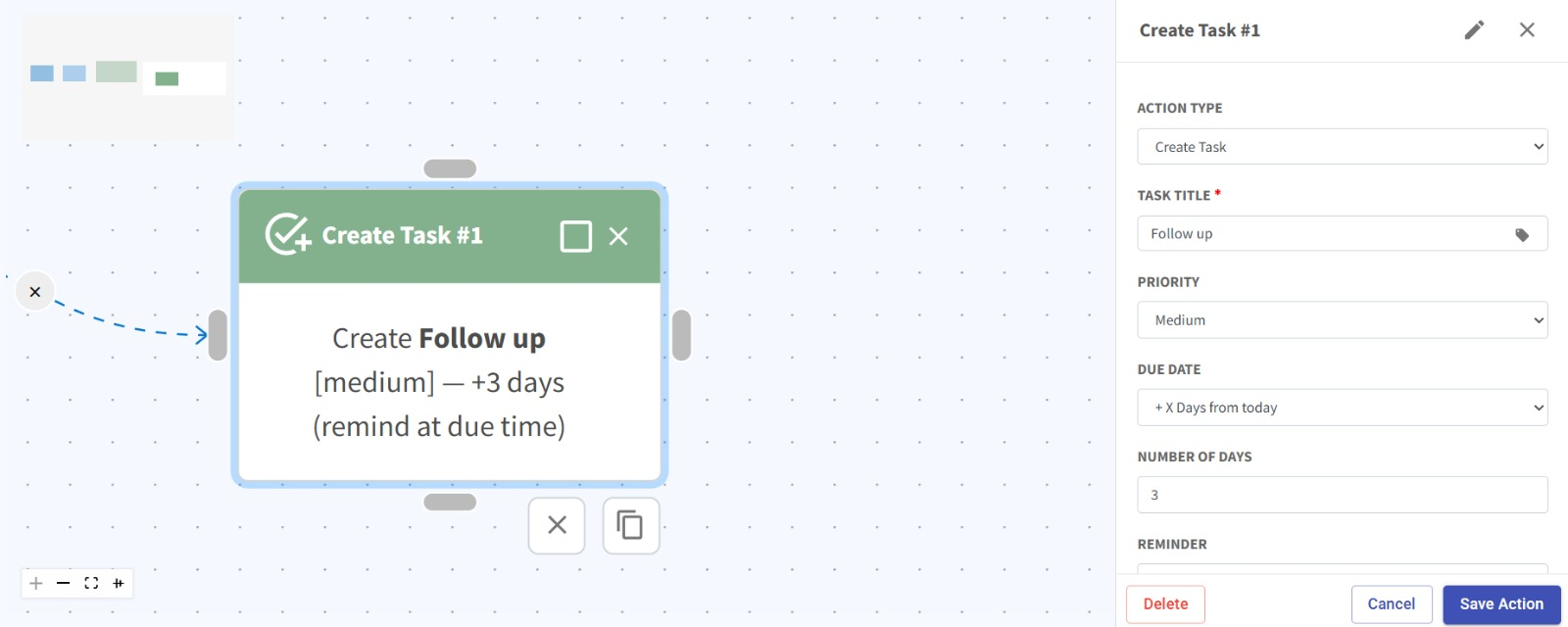
You can now add a Create Task node in your flow.
Automatically create tasks when contacts meet specific conditions in your flow.
What it means to you:
Stay organized and never miss a follow-up.
Once a contact meets your defined criteria, a task will be created automatically and appear on your homepage for easy tracking. ✨
This helps streamline your workflow and ensures timely follow-ups without manual effort. 🎯
How you can go about it:
Here’s how to set it up in just a few steps:
Head over to the Flowbuilder module and open an existing flow or create a new one.
Add a Create Task node at the desired point in your flow.
Set the conditions that trigger the task creation.
Customize your task details such as title, priority, due date, and reminders.
Click save action, save the flow and you’re all set!